





Linux is a powerful, open-source operating system kernel that forms the heart of countless operating systems called distributions (distros). Unlike Windows or macOS, Linux comes in many flavors, each designed for different purposes. But with so many choices, which one should you pick? Let’s break it down.

What is a Linux Distribution?
A Linux distribution combines the Linux kernel with a set of system tools, libraries, applications, and sometimes a desktop environment. Essentially, a distro is a complete operating system built around the Linux kernel.
Each distro is tailored for different users:
Beginners
Developers
Security professionals
Server administrators
Popular Linux Distributions
Ubuntu
Target users: Beginners, general desktop use
Highlights: User-friendly interface, strong community support, regular updates
Use case: Home computers, development, servers
Linux Mint
Target users: Users switching from Windows
Highlights: Familiar interface, pre-installed media codecs, stable
Use case: Desktop computing, everyday tasks
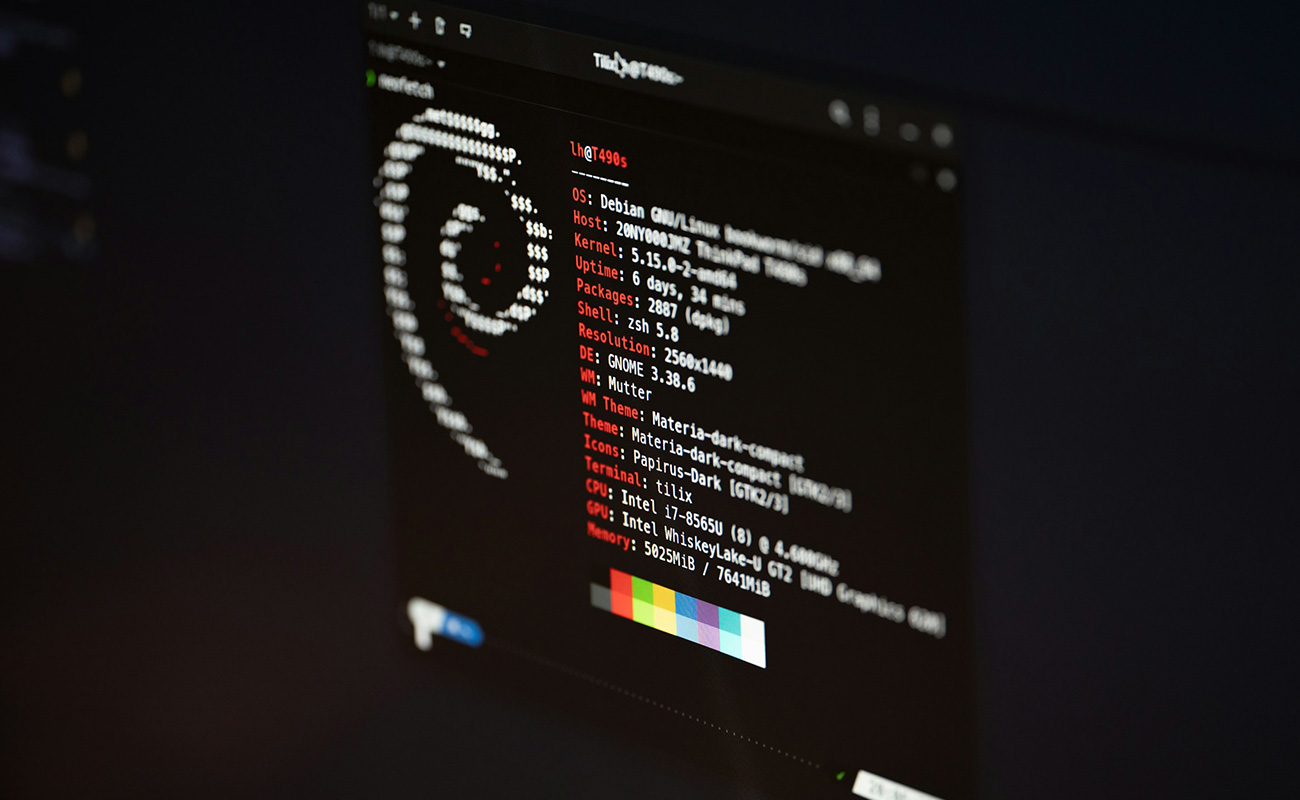
Debian
Target users: Stability-focused users
Highlights: Rock-solid stability, extensive software repository, server-friendly
Use case: Servers, workstations, embedded systems
Fedora
Target users: Developers, Linux enthusiasts
Highlights: Latest software and technologies, cutting-edge features
Use case: Testing new technologies, development environments
Kali Linux
Target users: Security and penetration testing professionals
Highlights: Preloaded with cybersecurity tools, advanced command-line utilities
Use case: Ethical hacking, security research, penetration testing
Arch Linux
Target users: Advanced users, Linux tinkerers
Highlights: Minimal installation, rolling updates, complete control over system
Use case: Custom setups, learning Linux deeply
Desktop Environments
Different distros often come with different desktop environments:
GNOME – modern and simple
KDE Plasma – feature-rich and customizable
XFCE – lightweight and fast
Cinnamon / MATE – traditional, Windows-like feel
Choosing the Right Distro
Beginner-friendly: Ubuntu, Linux Mint
Server/stability focus: Debian, CentOS, Ubuntu Server
Cutting-edge/development: Fedora, Arch Linux
Security testing: Kali Linux, Parrot OS
Tip: You can try most Linux distros using a Live USB without installing them on your hard drive.

Conclusion
Linux distributions offer freedom, flexibility, and security that mainstream OSs cannot match. Whether you are a beginner looking for a stable desktop environment, a developer exploring cutting-edge tools, or a cybersecurity professional, there’s a Linux distro that fits your needs.