






OSI Model – Layer 1
Physical Layer (Detailed Explanation)
The Physical Layer is the first and lowest layer of the OSI Model.
It is the starting point of all network communication.
Before data can be understood, addressed, or routed, it must physically move from one device to another — and that is exactly what the Physical Layer does.
Main Purpose of the Physical Layer
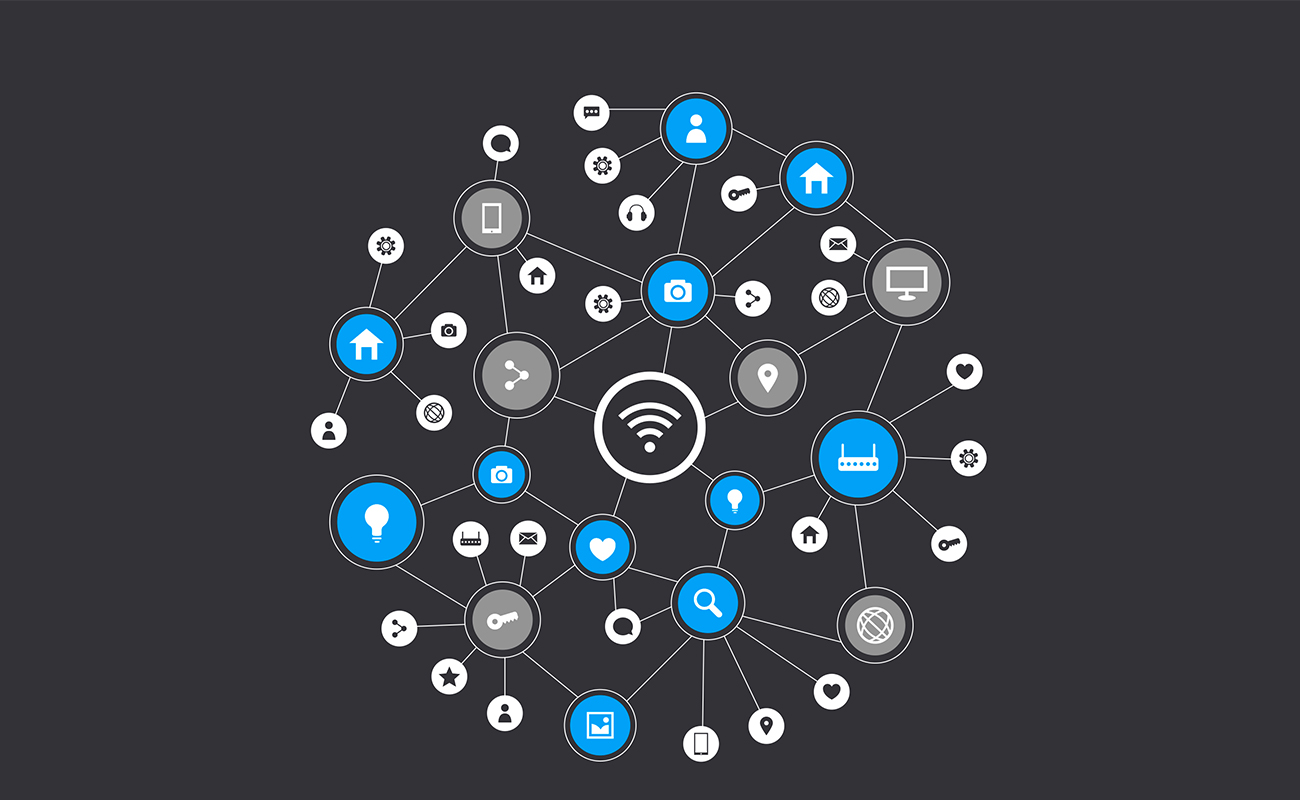
The Physical Layer is responsible for transmitting raw data as signals between devices.
It works only with bits (0s and 1s) and does not understand:
Files
Messages
IP addresses
Device names
Its job is movement, not meaning.
How Data Exists at This Layer
At higher layers, data is digital.
At the Physical Layer, data is converted into physical signals.
Depending on the medium, data is transmitted as:
Electrical Signals
Used in copper cables (Ethernet)
Data is sent as voltage changes
Light Signals
Used in fiber optic cables
Data is sent as light pulses
Radio Waves
Used in wireless networks (Wi-Fi, Bluetooth)
Data travels through air
What the Physical Layer Defines
This layer sets technical rules for data transmission, including:
Signal type (electrical, light, radio)
Voltage levels
Signal timing and synchronization
Data transmission speed (bandwidth)
Maximum transmission distance
Cable types and connector shapes
Pin layouts and port standards
These rules ensure that devices can understand the signals physically, even if they don’t understand the data itself.
Devices and Components at the Physical Layer
The Physical Layer includes hardware components, such as:
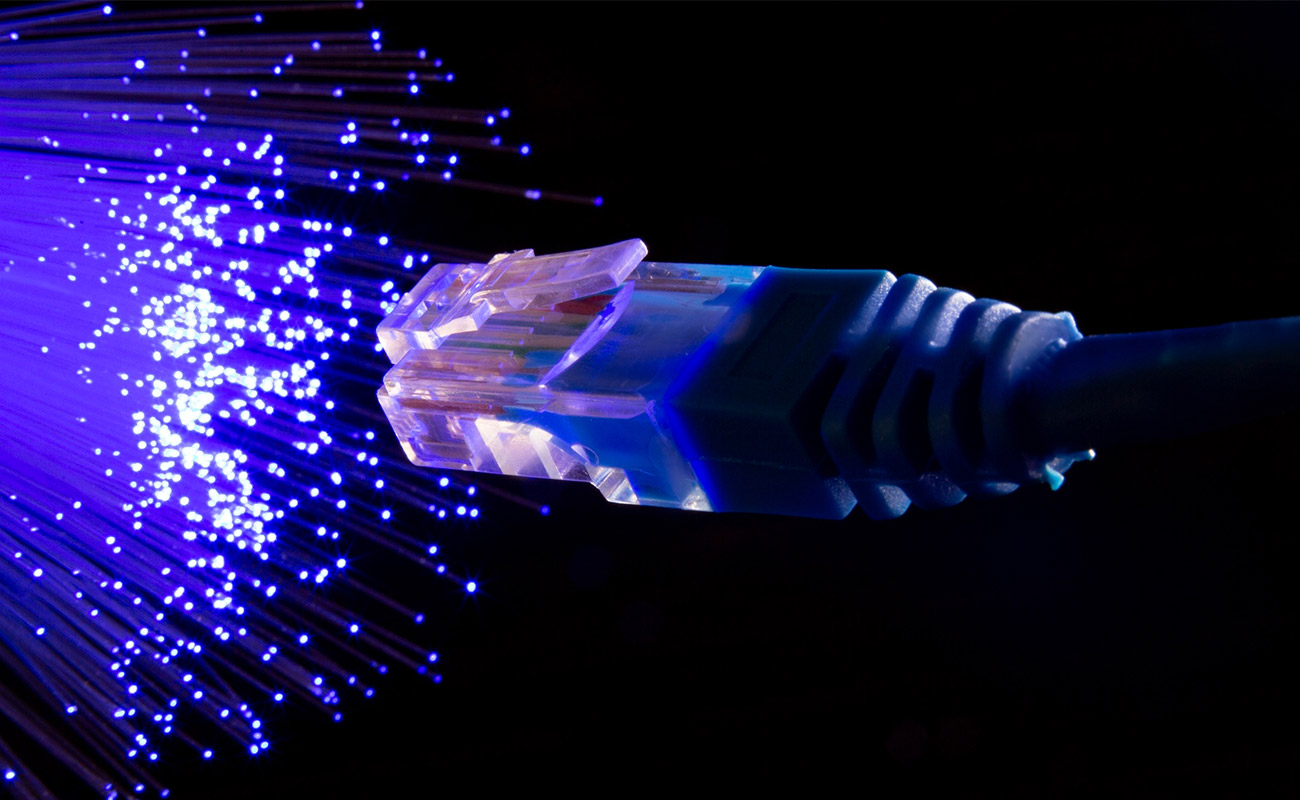
Ethernet cables (Cat5, Cat6)
Fiber optic cables
Connectors and plugs (RJ45)
Network Interface Cards (NIC)
Hubs
Repeaters
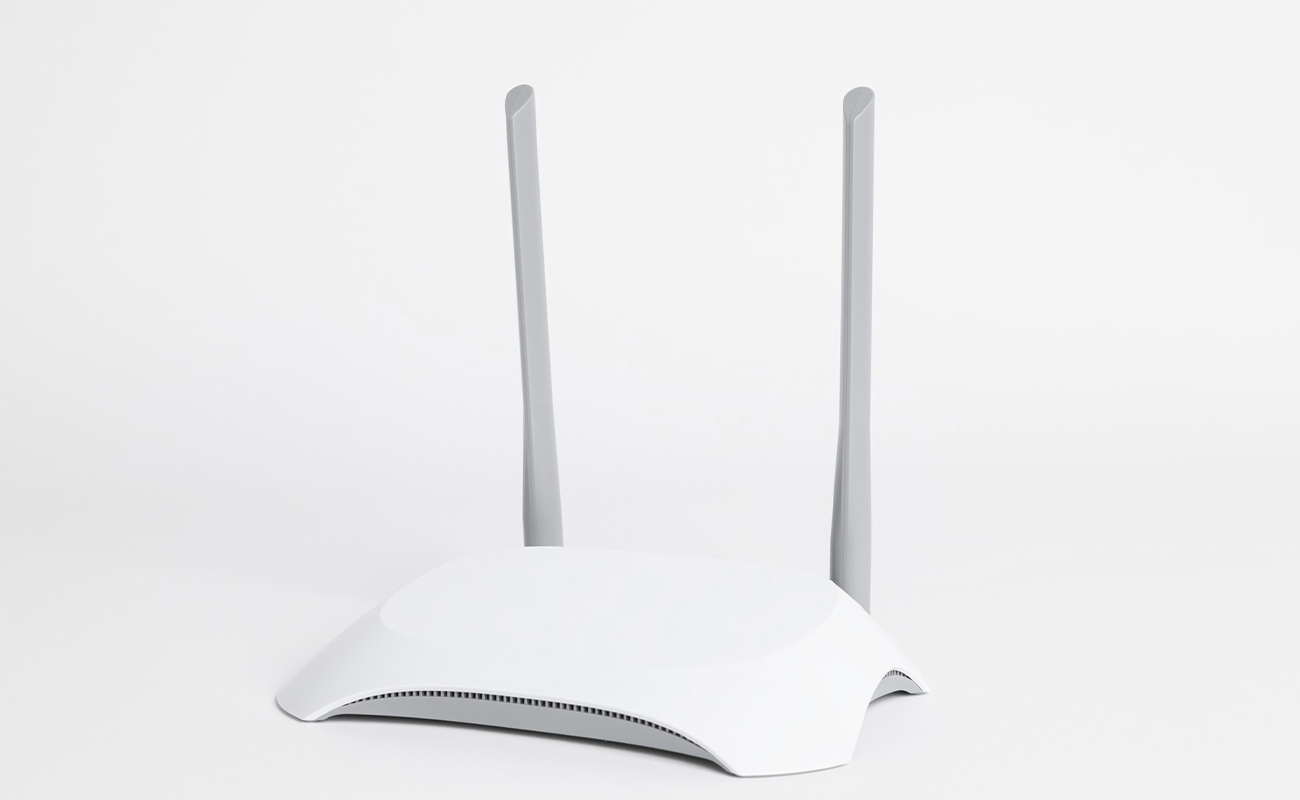
Antennas and ports
These components do not process data — they only send, receive, or amplify signals.
What the Physical Layer Does NOT Do
The Physical Layer does not:
Detect or correct errors
Identify devices
Decide where data should go
Control data flow
Understand content
All of these tasks are handled by upper layers.
Simple Real-Life Example
Think of the Physical Layer like electric wiring in a building.
The wires carry electricity
They don’t know what device is using the power
They don’t control how the power is used
Similarly, the Physical Layer only carries signals.
Why the Physical Layer Is Critical
If this layer fails:
Broken cable
Loose connector
Weak wireless signal
Damaged port
No communication is possible, even if all software settings are correct.
That’s why network troubleshooting always starts at Layer 1.
Key Takeaway
✔ Physical Layer = Signal transmission
✔ Works with bits only (0s and 1s)
✔ Foundation of the entire OSI Model
Without the Physical Layer, networking cannot exist.