Hardware, repairing

HDD vs SSD: Which Storage Option Is Best for You?

When choosing storage for your computer, the two most common options are Hard Disk Drives (HDDs) and Solid State Drives (SSDs). Both store your data, but they work very differently and offer different benefits. Understanding these differences will help you choose the right one for your needs.

What Is an HDD?

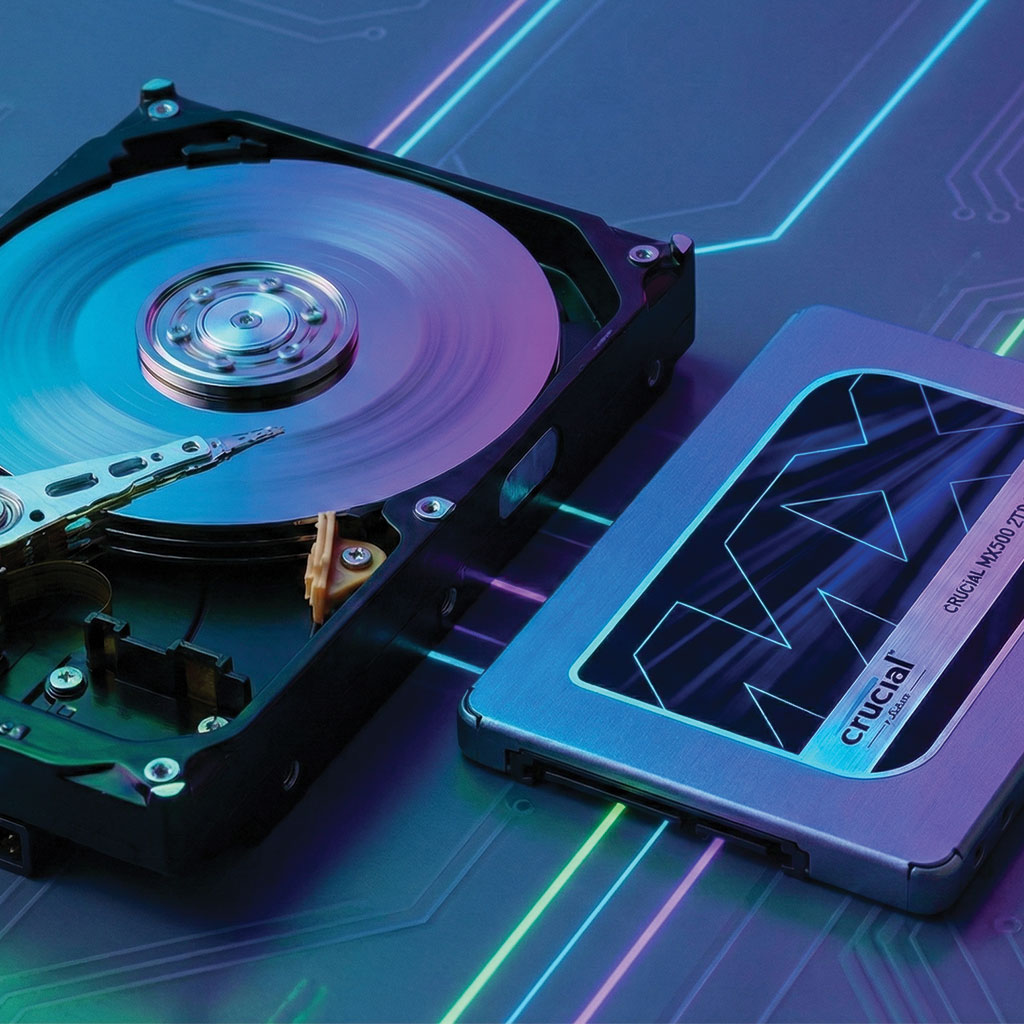
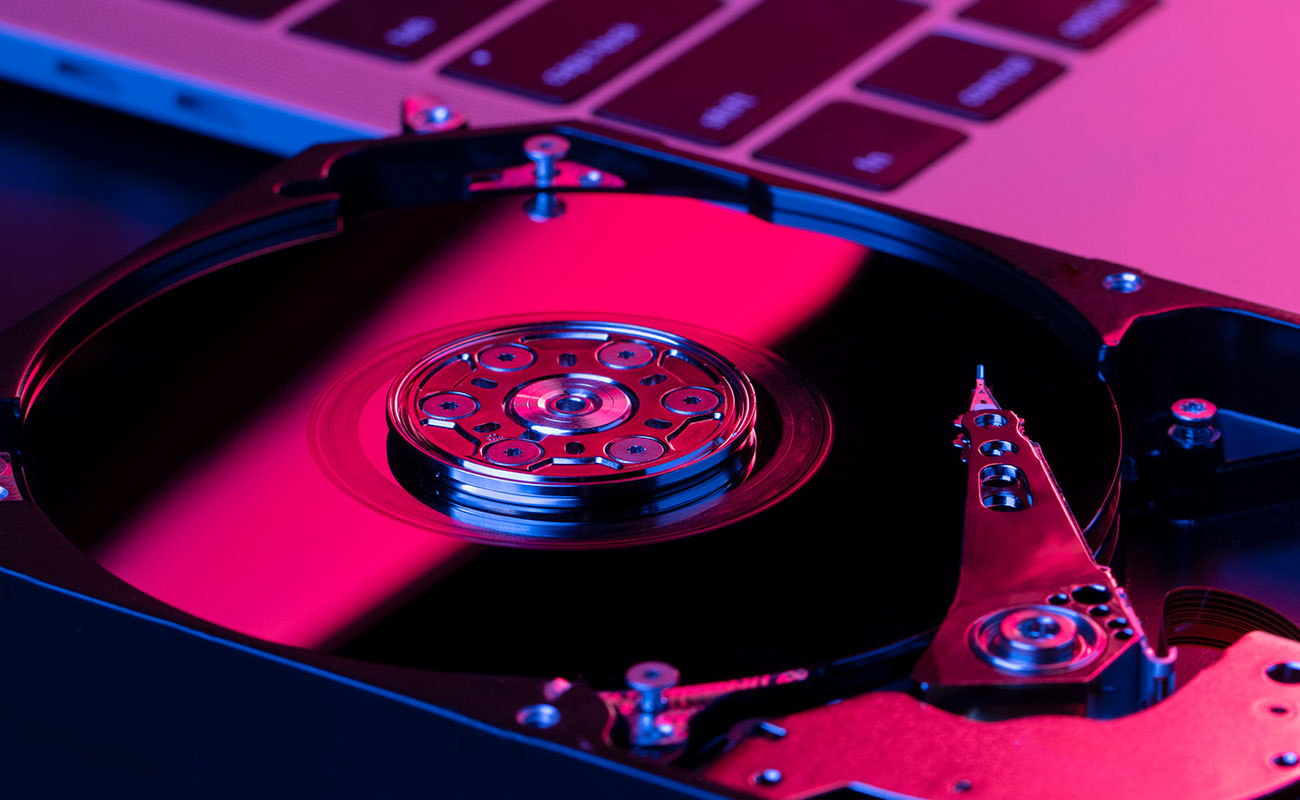
A Hard Disk Drive (HDD) is a traditional storage device that uses spinning magnetic disks to store data.
A small mechanical arm reads and writes information on these disks.

Pros of HDD:

  • More affordable

  • Large storage capacities available

  • Good for storing movies, photos, backups

Cons of HDD:

  • Slower performance

  • More fragile because of moving parts

  • Creates noise and heat

What Is an SSD?

A Solid State Drive (SSD) uses flash memory (like a smartphone or USB drive) to store data.
It has no moving parts, which makes it fast and durable.

Pros of SSD:

  • Very fast boot and load times

  • Silent and energy-efficient

  • More durable and reliable

  • Great for gaming, video editing, and everyday use

Cons of SSD:

  • More expensive per GB

  • Lower storage capacity compared to cheap HDDs

Speed Comparison

  • SSD: Can be 5–10 times faster than HDD

  • HDD: Slower due to mechanical movement

Loading apps, copying files, and starting your computer is much faster with an SSD.


Which One Should You Choose?

Choose SSD if:

  • You want fast performance

  • You use your PC for gaming, editing, or multitasking

  • You want a quieter, more reliable drive

Choose HDD if:

  • You need high storage capacity at a low cost

  • You only store files (photos, movies, backups)

  • Performance is not a priority


Final Verdict

If speed and reliability matter, SSD is the clear winner.
If you need more storage for a lower price, an HDD still works well.

Many modern PCs use a combination of both — an SSD for the operating system and apps, and an HDD for storing large files.

Related Posts