






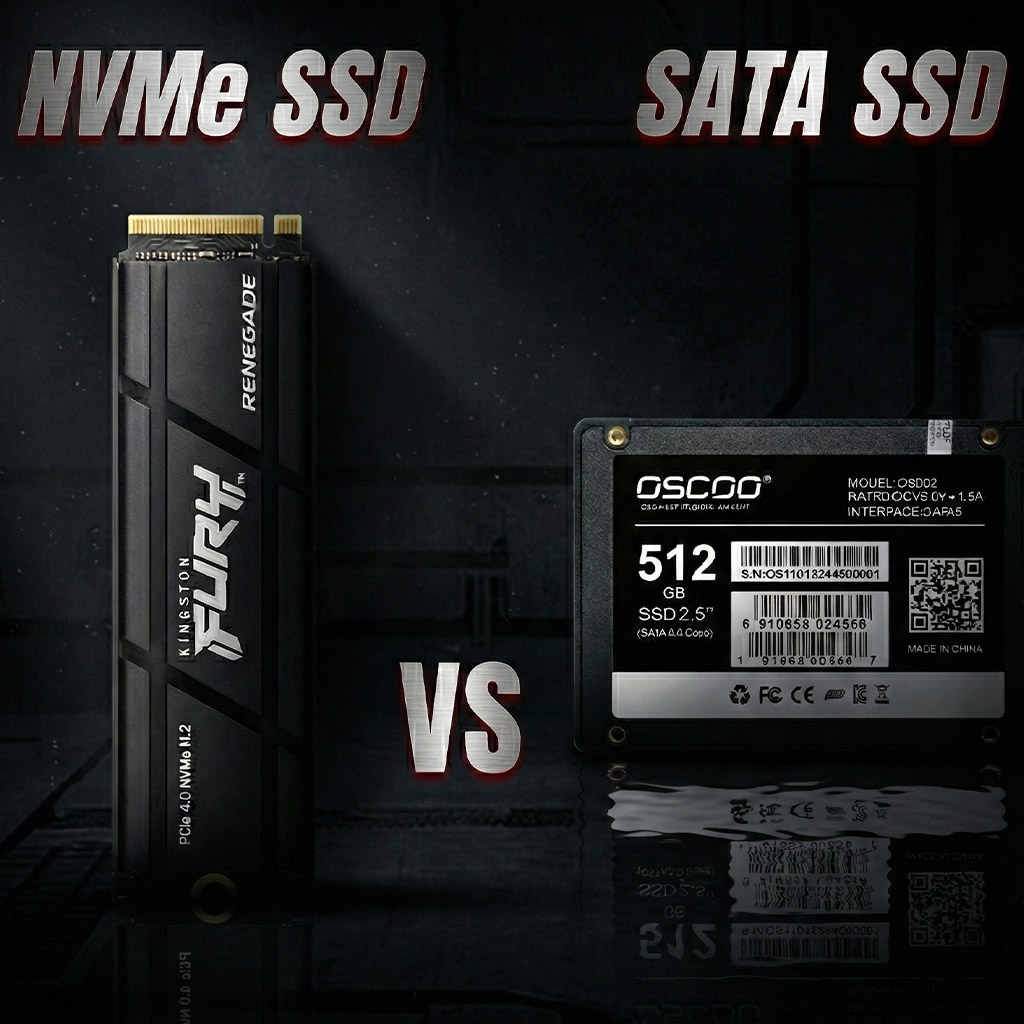
When upgrading storage, SSDs (Solid State Drives) are one of the best investments you can make. They are much faster, quieter, and more reliable than traditional hard drives. However, not all SSDs are the same. The two most common types you’ll encounter are SATA SSDs and NVMe SSDs.
In this post, we’ll break down the differences between SATA SSD and NVMe SSD in a simple way, so you can choose the right one for your needs.
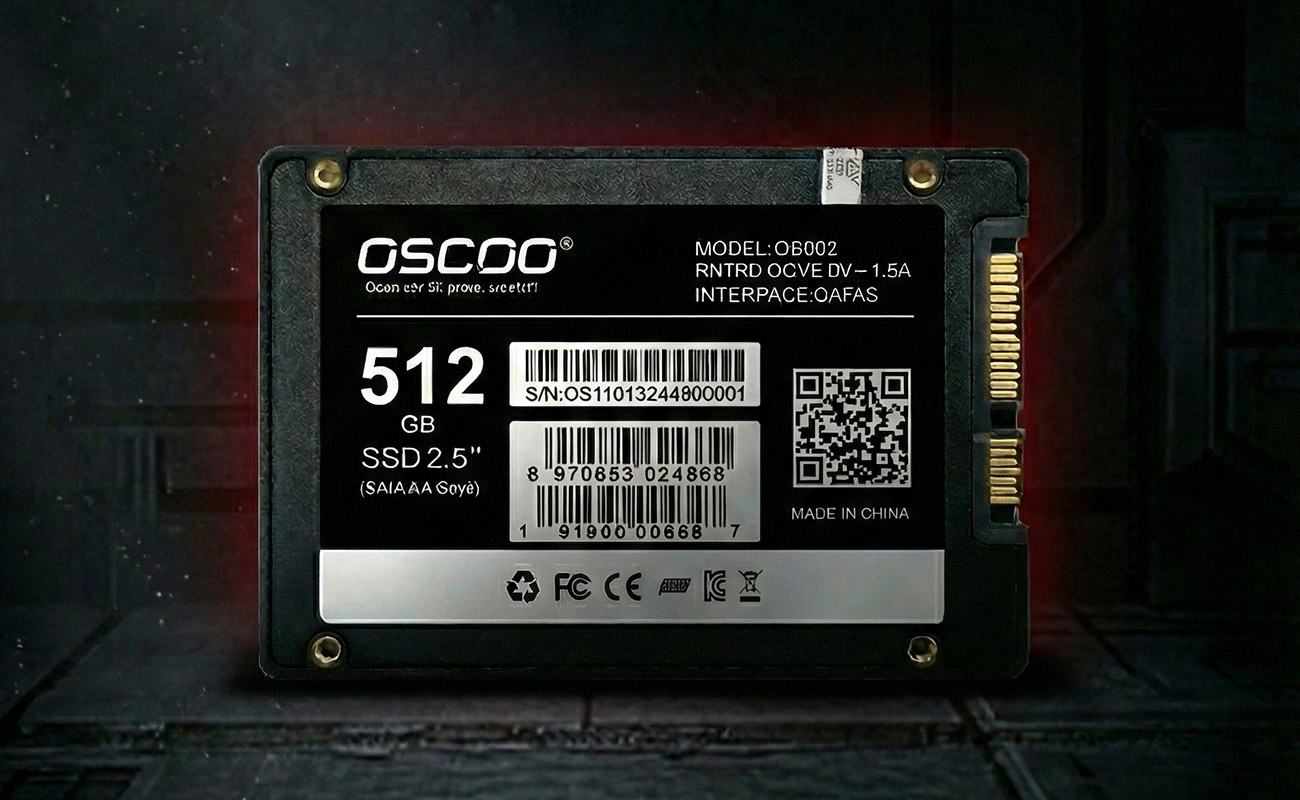
What Is a SATA SSD?
A SATA SSD uses the SATA (Serial ATA) interface, which was originally designed for hard disk drives. Even though SSDs are much faster than HDDs, SATA SSDs are limited by this older interface.
Key Features of SATA SSD
Uses SATA III interface
Maximum speed around 550 MB/s
Available in 2.5-inch and M.2 form factors
Compatible with most older and newer computers
More affordable
Best For
Everyday tasks (web browsing, office work)
Budget-friendly upgrades
Older laptops and desktops
Faster boot times compared to HDDs
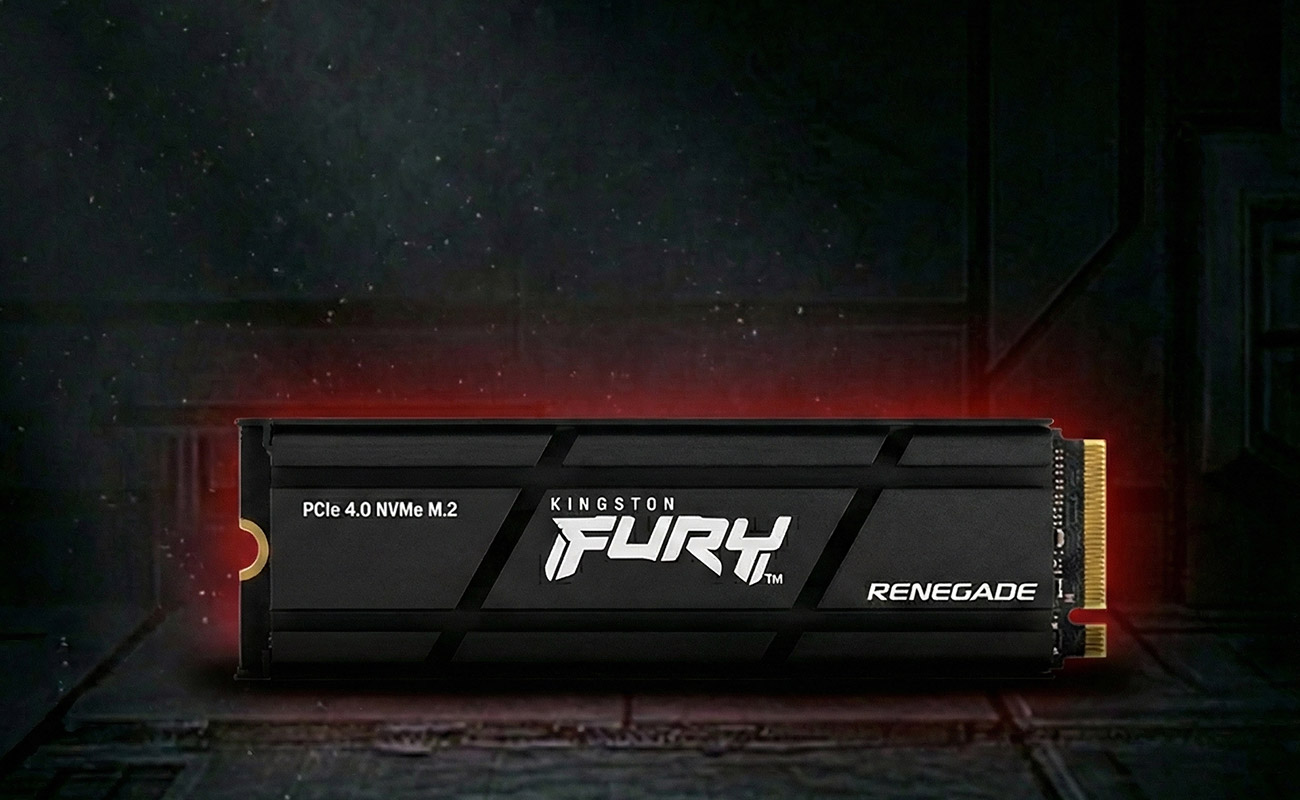
What Is an NVMe SSD?
An NVMe SSD (Non-Volatile Memory Express) uses the PCIe (Peripheral Component Interconnect Express) interface, which allows much faster data transfer than SATA. NVMe is designed specifically for SSDs, making it significantly more efficient.
Key Features of NVMe SSD
Uses PCIe interface (Gen 3, Gen 4, or Gen 5)
Speeds from 2,000 MB/s to over 7,000 MB/s
Usually comes in M.2 form factor
Lower latency and higher performance
Slightly higher cost than SATA SSDs
Best For
Gaming
Video editing and graphic design
Software development
Heavy multitasking and large file transfers
SATA SSD vs NVMe SSD: Side-by-Side Comparison
| Feature | SATA SSD | NVMe SSD |
|---|---|---|
| Interface | SATA III | PCIe |
| Max Speed | ~550 MB/s | 2,000–7,000+ MB/s |
| Boot Time | Fast | Extremely fast |
| Latency | Higher | Very low |
| Power Efficiency | Good | Better |
| Price | Lower | Higher |
| Compatibility | Very high | Requires NVMe support |
Does NVMe Make a Real-World Difference?
For basic users, the difference between SATA and NVMe may not feel dramatic in daily tasks like browsing or document editing. However, for power users, NVMe SSDs shine when:
Copying large files
Loading games faster
Rendering videos
Running virtual machines
Which One Should You Choose?
Choose a SATA SSD if:
You’re upgrading from an HDD
Your system doesn’t support NVMe
You’re on a tight budget
Choose an NVMe SSD if:
Your motherboard supports NVMe
You want the best performance
You work with large files or demanding applications
Final Thoughts
Both SATA SSDs and NVMe SSDs are excellent storage options compared to traditional hard drives. SATA SSDs offer great performance at a lower cost, while NVMe SSDs deliver cutting-edge speed for high-performance tasks.
Before buying, always check your system’s compatibility and consider how you actually use your computer.