







The second layer of the OSI Model is called the Data Link Layer. It sits just above the Physical Layer (Layer 1) and below the Network Layer (Layer 3). Its main job is to provide reliable data transfer between devices on the same network (LAN), using MAC addresses and error detection.
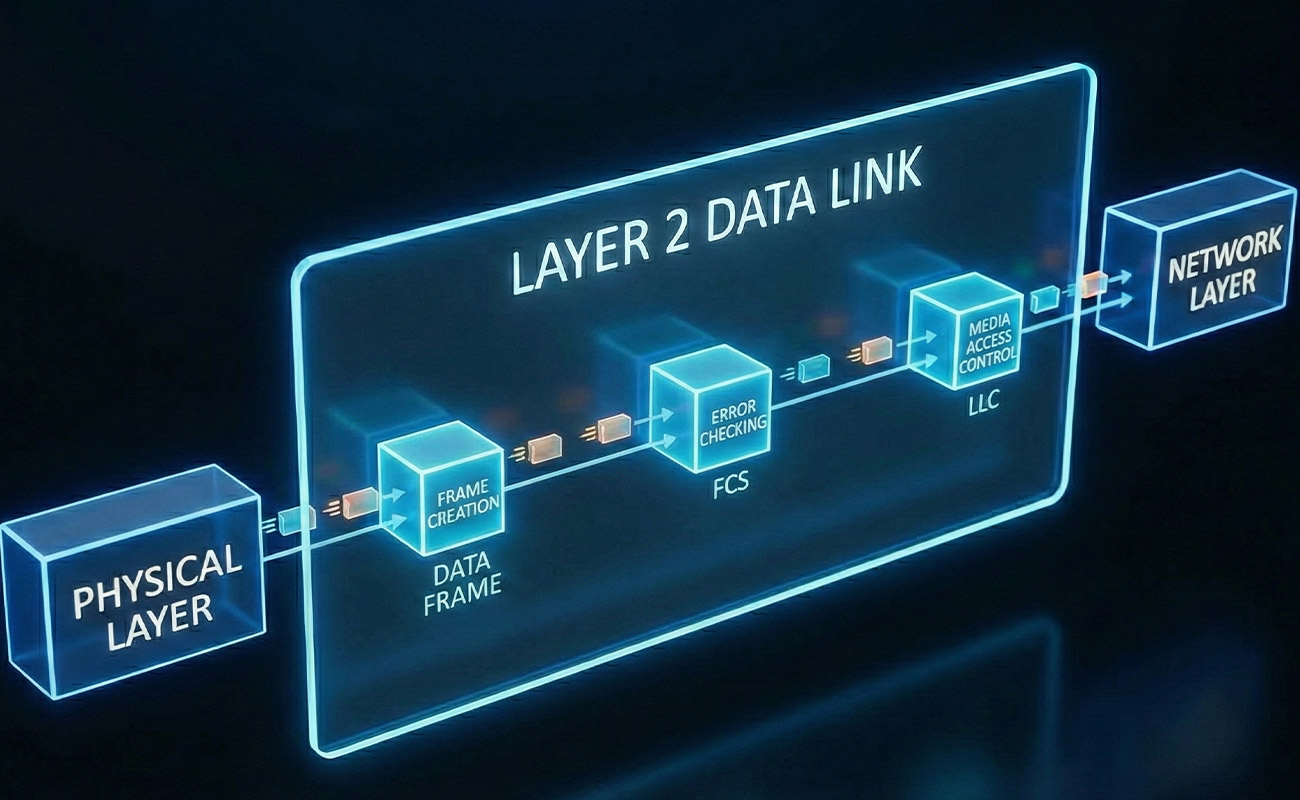
Main Functions of the Data Link Layer
1. Framing
Breaks raw bits from the Physical Layer into frames (organized packets of data).
Adds a header and trailer to each frame for addressing and error detection.
Example:
A 1 KB file is split into multiple frames, each with its own frame header (source & destination MAC) and error-checking info.
2. Physical Addressing (MAC Addresses)
Uses MAC (Media Access Control) addresses to identify devices on the same network.
MAC address is a unique hardware address assigned to each network interface card (NIC).
Example:
Your computer’s NIC:
b4-0f-3b-00-ed-70Your friend’s computer:
00-1F-2E-3D-4C-5BData frames carry these addresses so devices know who should receive the data.
3. Error Detection and Handling
Adds error-checking information (like CRC – Cyclic Redundancy Check) in the frame.
The receiving device checks for errors:
If the frame is correct → data passed up to Network Layer
If corrupted → frame is discarded or requested again
4. Flow Control
Ensures that fast senders don’t overwhelm slow receivers.
Helps maintain stable communication between devices on the same LAN.
5. Media Access Control
Decides who can send data and when, to avoid collisions.
Examples:
Ethernet → Uses CSMA/CD (Carrier Sense Multiple Access / Collision Detection)
Wi-Fi → Uses CSMA/CA (Collision Avoidance)

Devices Operating at the Data Link Layer
Switches → Forward frames using MAC addresses
Bridges → Connect two LAN segments and filter traffic by MAC
NICs → Implement MAC addressing and frame handling
Access Points (APs) → Forward frames in wireless LAN
Real-Life Analogy
Think of the Data Link Layer like a postal office inside a city:
Physical Layer = roads (just the path)
Data Link Layer = envelopes and addresses (so letters reach the correct house)
Error detection = checking that letters are not torn or missing pages
Key Points
Layer 2 ensures reliable, error-free delivery on the same network
Uses MAC addresses to identify devices
Breaks data into frames, checks for errors, and controls access to the network
Devices like switches work at this layer
Example
Suppose your computer wants to send a file to a printer on the same LAN:
Physical Layer sends bits
Data Link Layer:
Packages bits into frames
Adds MAC addresses (source: your computer, destination: printer)
Adds error-checking info
Switch reads the destination MAC and forwards the frame to the printer
Printer checks for errors, receives the file
Key Takeaway:
The Data Link Layer ensures that data travels reliably between devices on the same network, using MAC addresses, frames, and error detection.