






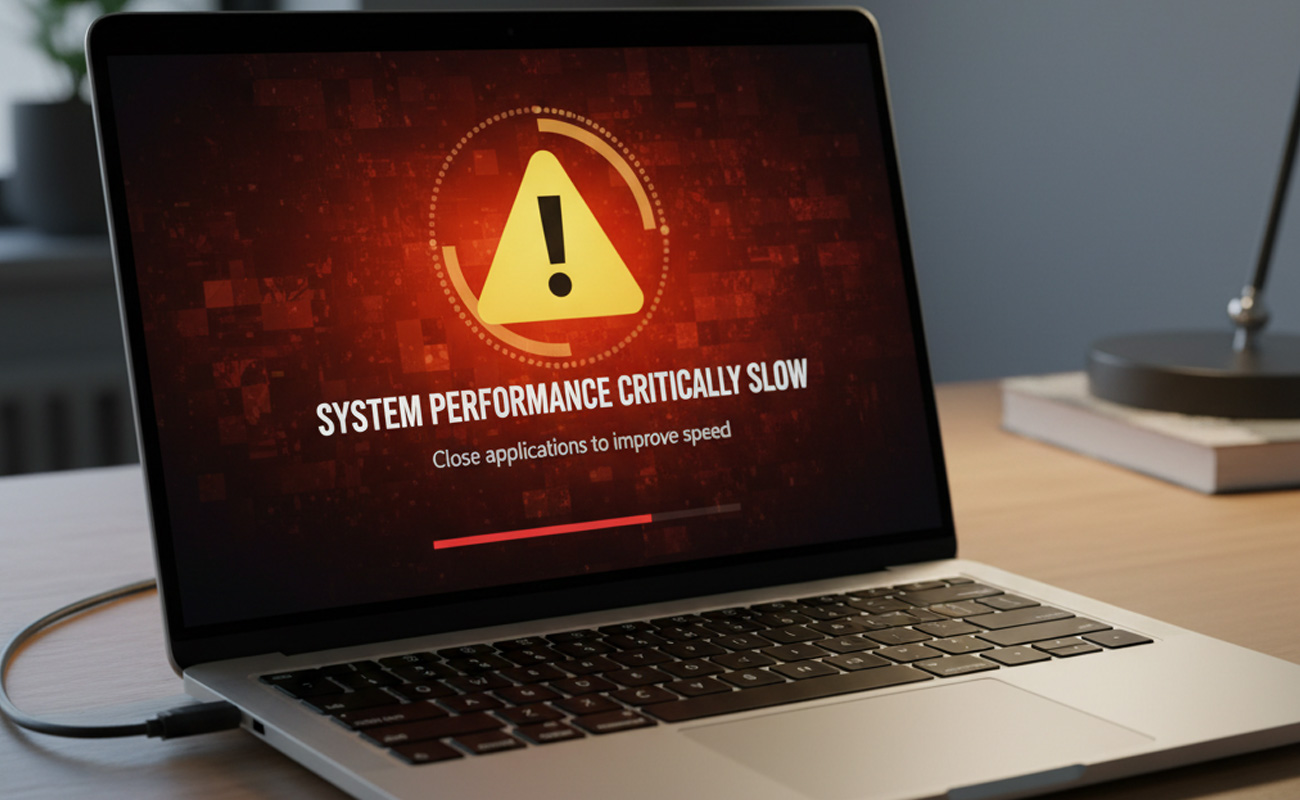
If your laptop feels slower than when you first bought it, you’re not alone. Over time, even good machines can start to lag, take longer to open apps, and struggle with everyday tasks. The good news is, most slow-down issues have simple explanations—and easy fixes.
1. Too Many Startup Programs
Many apps automatically launch when you turn on your computer. These programs run in the background and consume memory.
Fix: Open Task Manager (Ctrl + Shift + Esc), go to the Startup tab, and disable unnecessary apps from starting automatically.
2. Lack of Free Storage Space
When your hard drive or SSD is nearly full, your laptop can’t operate efficiently. Windows and macOS both need free space for temporary files and updates.
Fix: Delete old files, uninstall unused software, and empty the recycle bin. You can also use built-in tools like Disk Cleanup.
3. Background Apps and Processes
Some software continues to run even when you’re not using it, using up memory and CPU power.
Fix: In Task Manager, look for high-usage apps and close them. Consider disabling background sync features you don’t need.
4. Malware or Adware Infections
Unwanted programs can slow down performance and pose security risks.
Fix: Run a full system scan using trusted antivirus software. Avoid downloading files or software from unverified websites.
5. Outdated System or Drivers
Old operating systems and device drivers can cause lags or compatibility problems.
Fix: Regularly check for Windows or macOS updates. Visit your laptop manufacturer’s website for driver updates.
6. Overheating
If your laptop gets too hot, it can automatically reduce performance to protect internal components.
Fix: Keep the air vents clear, avoid using the laptop on soft surfaces like beds, and clean out dust from the cooling fans.
7. Insufficient RAM or an Old Hard Drive
If your laptop is several years old, it may not have enough RAM for modern software—or it could still be using a slow HDD.
Fix: Upgrade your RAM or switch to a Solid State Drive (SSD). These upgrades can make your laptop feel brand new.

Final Thoughts
A slow laptop doesn’t always mean it’s time for a replacement. With regular maintenance and a few smart upgrades, you can restore its speed and performance.